
Switching help desks
Switch help desks with your team in control.
A free, guided migration moves your help center articles, macros and customer records into CustomerEagle while your old tool keeps running. Nothing is deleted, and you decide when to cancel.
- Free built-in importer
- 30 days free, no credit card
- Your old tool stays live throughout
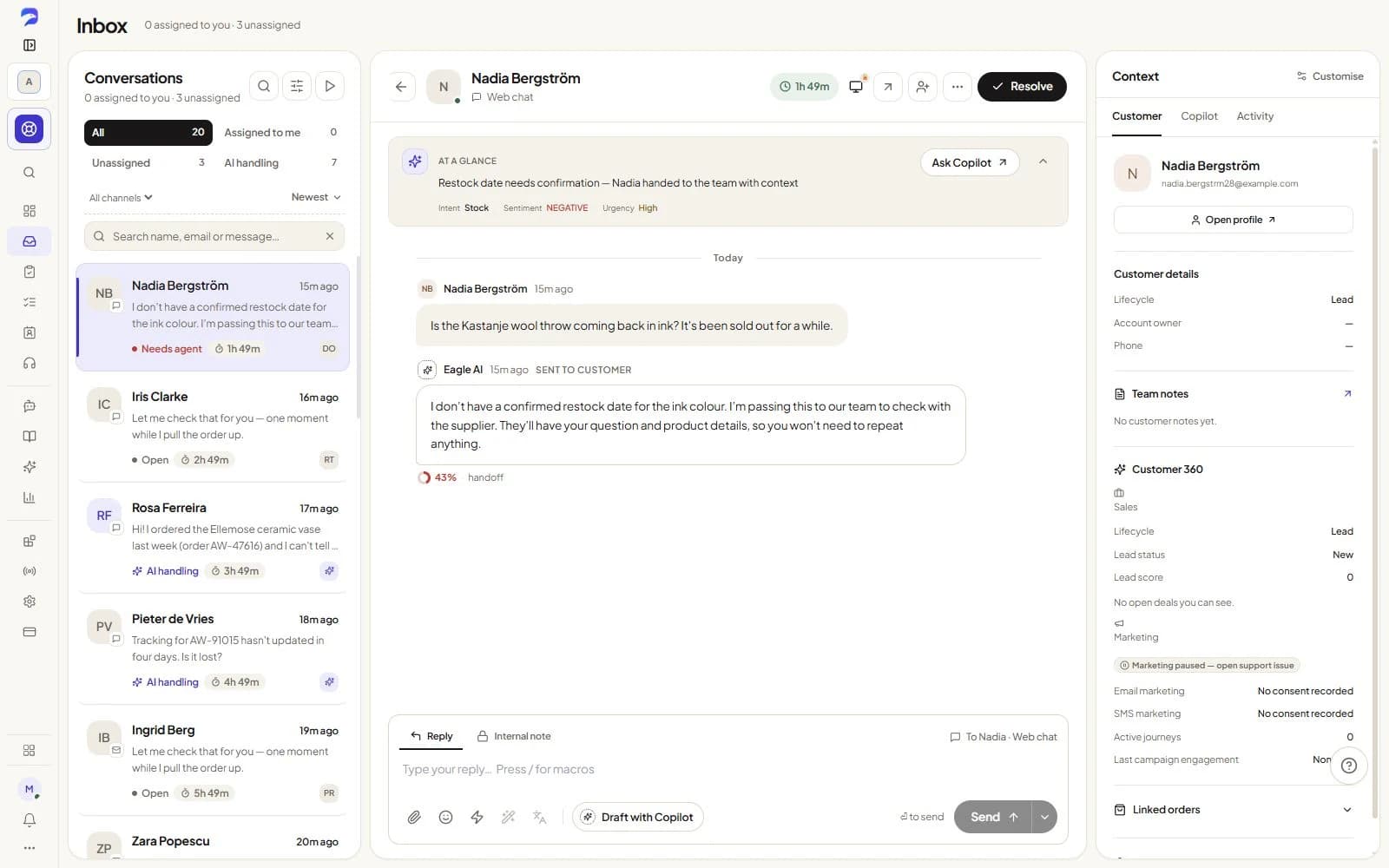
Paste your URL. Ask what your customers ask.
We read up to five pages of your website — nothing else — and answer from them with the source cited. No account, nothing stored beyond fifteen minutes.
Answers come only from the pages read above. If something isn't there, the AI says so instead of guessing — that's the behaviour you'd get on your site too.
What carries over
The same importer, the same four things, from any of the three.
Whichever help desk you're leaving, CustomerEagle's built-in importer moves the same things across, read-only — it never writes back to your old account.
Intercom · Zendesk · Freshdesk
Help center articles
Imported from all threeConverted to text and indexed into your AI knowledge base immediately.
Macros & saved replies
Imported from all threeYour team's canned responses, ready to reuse.
Customers & companies
Imported from all threeContact records and the companies they belong to.
Support tickets & conversation history
Not imported — stays in your old toolStays in your old tool by design — not imported by any of the three connectors.
Source: the same read-only connector code talks to Zendesk, Intercom and Freshdesk — what it imports doesn't change by source.
How it works
Export, import, go live — three steps, one afternoon.
- 01
Connect your account
Pick Zendesk, Intercom or Freshdesk and paste a read-only API token, access token or API key. Nothing is written back to your old tool.
- 02
Import runs in the background
Articles, macros and customer records come across in the background. It's resumable and safe to leave running — close the tab if you like.
- 03
Flip the switch
Paste one script tag and go live. Keep your old tool running for as long as you want before you cancel it.
Sales
Turn a good conversation into a next step.
Bring leads, deals and follow-ups onto the customer record your team already knows. See what needs attention today and keep opportunities moving.
Core Sales on every plan. Advanced tools on Professional; quotes and CRM sync on Premium. AI uses credits.
Explore Sales →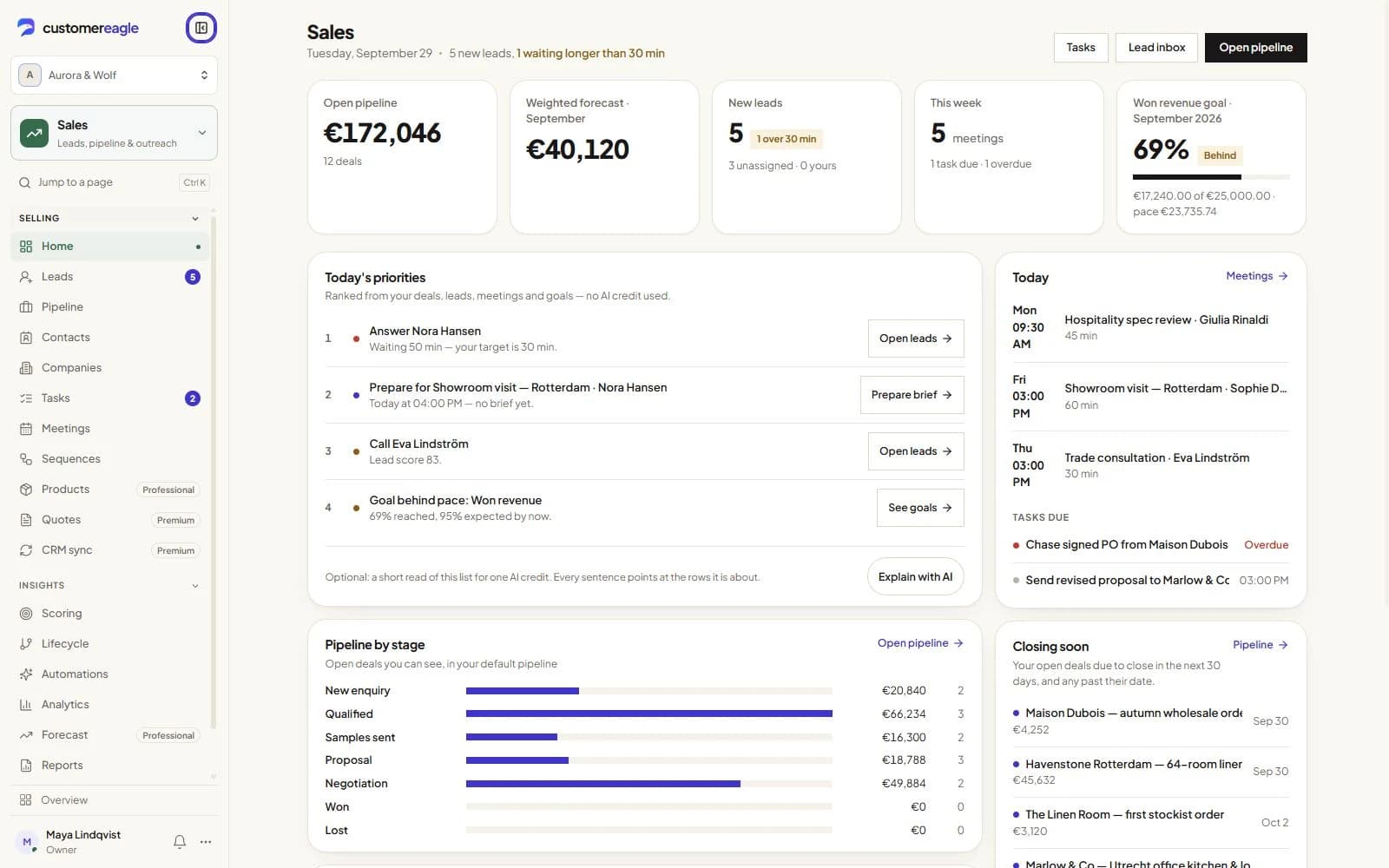
FAQ
Before you migrate
Nothing changes there. The importer only reads from Zendesk, Intercom or Freshdesk through a read-only API credential — your account, its data and your existing subscription are untouched. You keep the old tool running for as long as you want and cancel it on your own schedule.
No. The import runs in the background against your live account, so you can run both tools side by side and only cut over your customer-facing channel — the script tag, or a connected inbox — once you're satisfied with what CustomerEagle resolves.
Yes. The importer pulls your published articles, converts them to text and indexes them into CustomerEagle's knowledge base, so the AI can answer from — and cite — them right away.
Honestly: no, not today. The importer moves help center articles, macros/saved replies, and customer & company records — it doesn't move CSAT scores, survey history or past tickets. That's exactly why we recommend keeping your old tool running rather than cancelling it the moment you switch.
Read-only credentials are encrypted at rest, only a workspace owner or admin can start a migration, and the credentials are deleted automatically once the import finishes or is cancelled.
Yes. A stalled migration is resumable, and you can cancel one at any time from your dashboard — cancelling wipes the stored credentials immediately.
Start with one conversation. Build from there.
Try Professional free for 30 days, with Support and Sales in one workspace. Add Marketing when you’re ready.