How the WooCommerce connector works
Answer where-is-my-order questions automatically from live WooCommerce order data, resolve product questions from your own content, and keep refunds safely behind human approval.
Install the widget on your WordPress store with our WordPress plugin — no theme edits — and connect your WooCommerce store keys. By default, order lookups are protected by an email-match check, so order details are only shown to someone who can supply the email address and order number on the order; the check is a flow setting you can configure.
Available on the Standard plan and higher. The web chat widget itself is available on every plan, including Free.
Status verified July 2026
Free plan · No credit card · 25 free AI resolutions (one-time) · no time limit
What you need
- WordPress 6.0+ and PHP 7.4+
- WooCommerce with REST API access
- A plan that includes a store-data integration (Standard includes one)
- Your store domain on the widget allow-list
How it connects
- 01Install the CustomerEagle WordPress plugin and paste your Workspace ID.
- 02Connect your WooCommerce store keys in the dashboard — Read access is enough for order lookups; choose Read/Write if you want the AI to prepare refunds or status changes for a human to approve.
- 03The AI now answers order-status and product questions on your store, in your customer's language.
What you get
- Automated order-status answers verified against the customer's email by default — order details are only shown to the customer whose email matches the order, and the check is configurable per flow.
- Product and policy questions answered from your pages and knowledge base, with citations.
- Refunds and order edits always queue for human approval — the AI never executes them.
What the AI can and cannot see
- Order status and fulfilment state
- Order number and line items
- Shipping and tracking state where the store provides it
- Card or payment credentials
- Stored passwords
- Other customers' orders
- Admin actions it is not entitled to — refunds and status changes always queue for human approval
One inbox for every channel
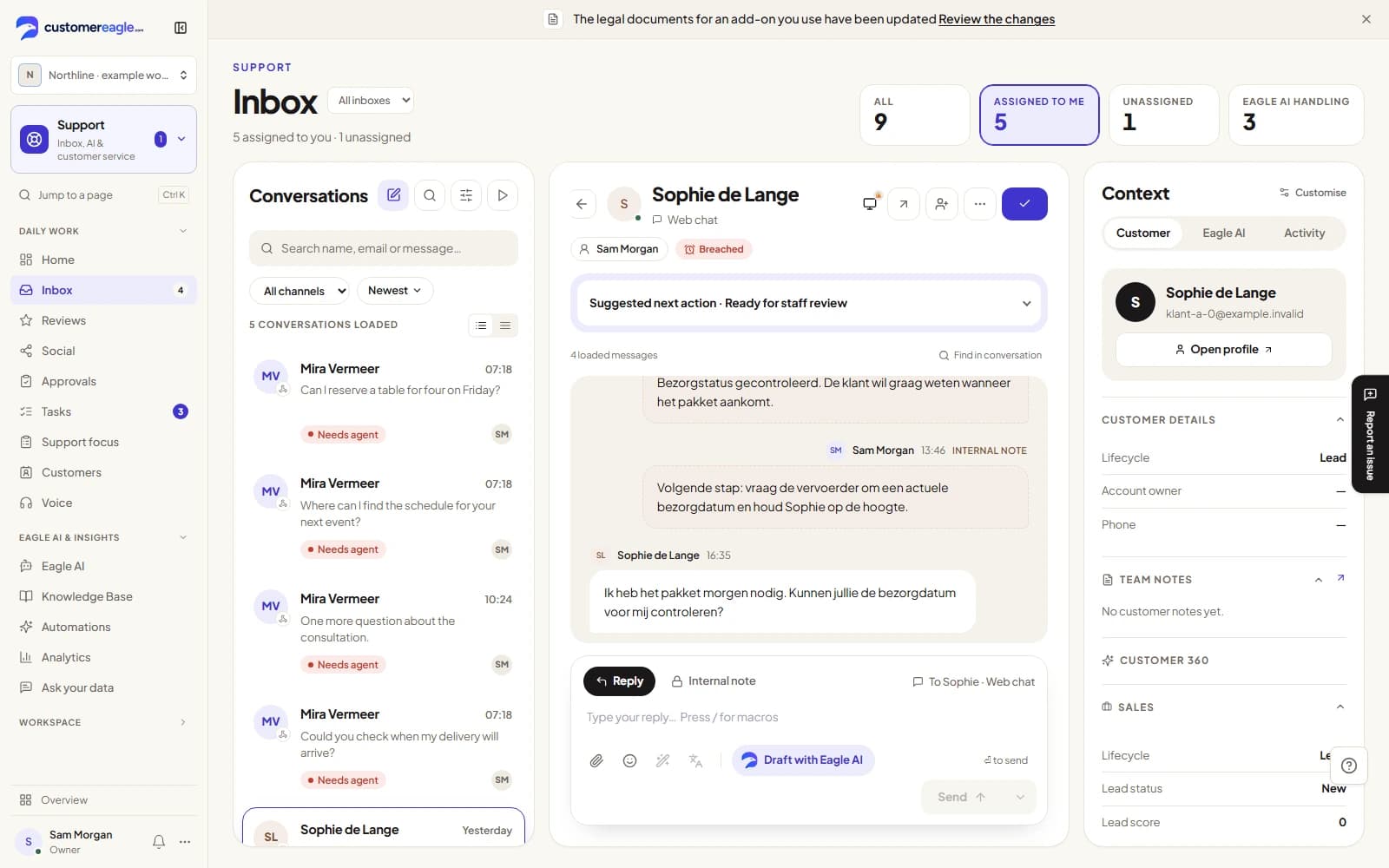
Connect your channels once and every conversation lands in the same AI-first inbox — with shared routing, SLAs and analytics. Start on the Free plan — no credit card required.